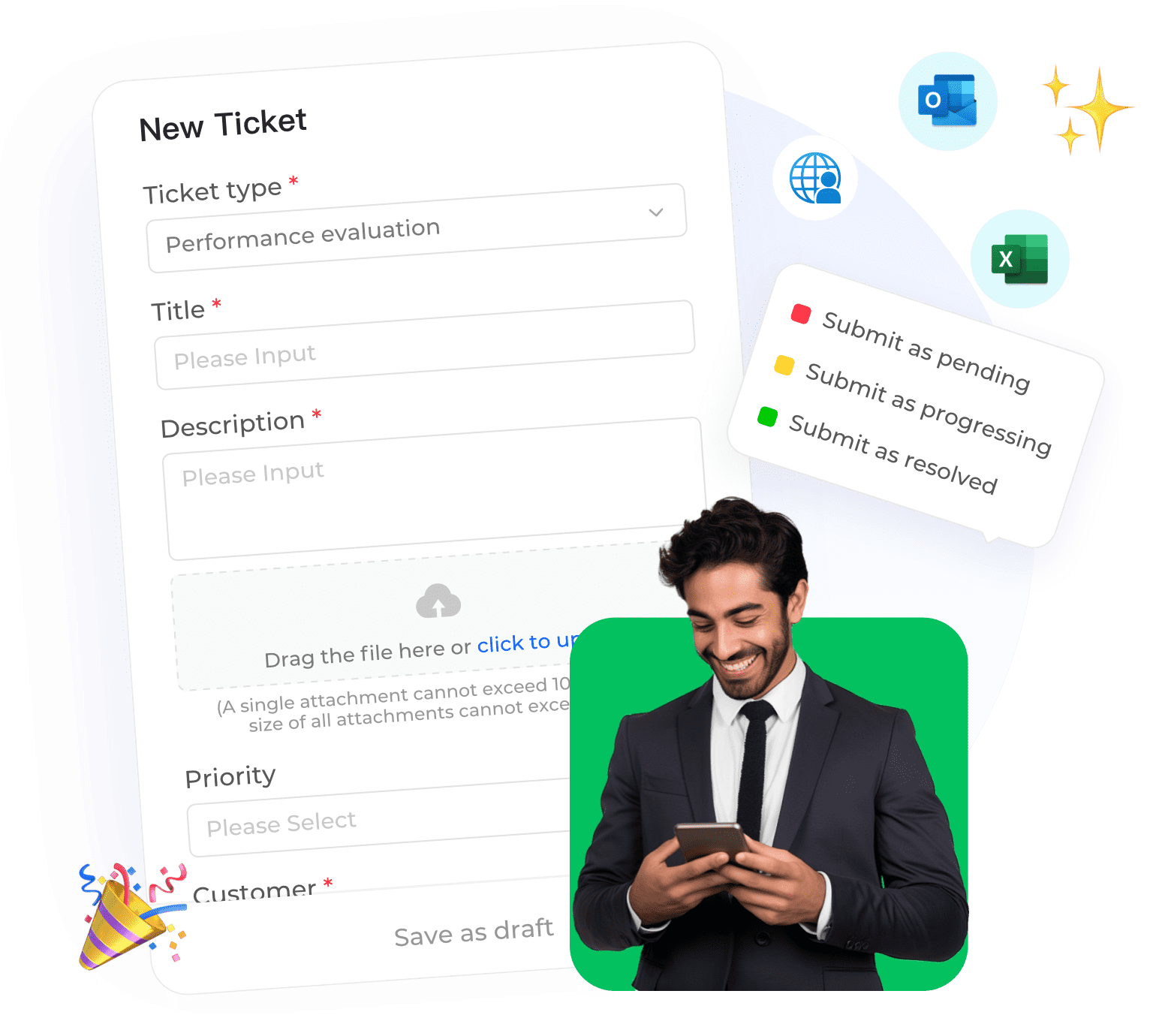
E-commerce companies rely on technology—their website, inventory system, payment processing, and shipping integrations. When something breaks, internal teams need help fast. An IT ticket system for internal help desk ensures that employee requests are tracked, prioritized, and resolved efficiently, minimizing downtime and keeping the business running.What is an IT ticket system for internal help desk?
An IT ticket system is software that captures, organizes, and manages requests from employees to the IT department. When an employee needs help—whether it is a password reset, software issue, hardware problem, or access request—they submit a ticket. The system then routes it to the appropriate IT team member, tracks progress, and ensures nothing falls through the cracks.

Internal IT ticketing vs. Customer support ticketing: What's the difference?
Aspect |
Internal IT Ticketing |
Customer Support Ticketing |
|
Users
|
Employees
|
External customers
|
|
Focus
|
Business operations, productivity
|
Customer satisfaction, retention
|
|
SLA priorities
|
Based on business impact
|
Based on customer value, urgency
|
|
Knowledge base
|
Internal procedures, systems
|
Product information, policies
|
|
Integration
|
HR systems, device management
|
CRM, e-commerce platform
|
Both play vital roles, but internal IT ticketing centers on sustaining business continuity and workforce efficiency.Why an IT ticket system matters for e-commerce
E-commerce businesses operate 24/7. When systems go down, revenue stops. An effective IT ticketing system ensures:
• Fast response to critical issues:
Server down? Payment gateway failing? These tickets are flagged and routed immediately.
• Accountability:
Every request is tracked; no more "I emailed IT last week and never heard back."
• Visibility:
Managers can see common issues and recurring problems to address root causes.
• Knowledge preservation:
Solutions are documented, so future similar issues are resolved faster.
• SLA compliance:
Meet response and resolution targets for different priority levels.
How to implement an effective IT ticketing system
• Define ticket categories and priorities: Critical (site down), High (payment issue), Medium (software bug), Low (password reset).
• Set clear SLAs: Critical issues responded to within 15 minutes; low-priority within 24 hours.
• Create a knowledge base: Document common issues and solutions so IT staff and employees can find answers quickly.
• Automate where possible: Password resets and common access requests can be handled automatically.
• Train employees on how to submit tickets: Clear, detailed tickets get resolved faster.
How Instadesk Ticket System supports e-commerce IT teams
Instadesk's ticketing platform is powerful enough for complex IT operations yet easy enough for all employees to use:
• Multi-channel ticket creation:
Employees can submit tickets via email, internal chat, or a simple web form—all become tickets automatically.
• Smart routing:
IT tickets are automatically assigned to the right specialist based on category (network, software, hardware, security).
• SLA management:
Automatic escalations if response or resolution targets are at risk.
• Internal collaboration:
IT team members can add notes, share files, and @mention colleagues within tickets.
• Asset integration:
Link tickets to specific devices or software licenses for full visibility.
Frequently asked questions
Q: Should we use the same ticketing system for internal IT and customer support?
A: Some companies do, but many prefer separate systems because workflows, SLAs, and users differ significantly.
Q: How do we encourage employees to use the ticket system instead of emailing IT directly?
A: Make it easy—integrate email so messages to IT become tickets automatically—and communicate the benefits: faster resolution, no lost requests, better tracking.
Q: What metrics should we track for IT ticketing?
A: Track volume by category, average response time, average resolution time, SLA compliance rate, and recurring issues.
An IT ticket system for internal help desk is essential for e-commerce companies that depend on technology. Instadesk's solution helps you track, prioritize, and resolve IT requests efficiently, minimizing downtime and keeping your business running smoothly.